Raspberry PI connect
From the website: Raspberry Pi Connect provides secure access to your Raspberry Pi from anywhere in the world.
Upgrade
By using ssh I opened a shell on the raspberry pi.
sudo apt update
sudo apt full-upgrade
sudo apt install rpi-connect-lite
Install
cees@nat02:~ $ sudo apt install rpi-connect-lite -y
Reading package lists... Done
Building dependency tree... Done
Reading state information... Done
The following package was automatically installed and is no longer required:
  rpicam-apps-lite
Use 'sudo apt autoremove' to remove it.
The following NEW packages will be installed:
  rpi-connect-lite
0 upgraded, 1 newly installed, 0 to remove and 0 not upgraded.
Need to get 8,035 kB of archives.
After this operation, 20.8 MB of additional disk space will be used.
Get:1 http://archive.raspberrypi.com/debian bookworm/main arm64 rpi-connect-lite arm64 2.5.2 [8,035 kB]
Fetched 8,035 kB in 2s (4,620 kB/s)
Selecting previously unselected package rpi-connect-lite.
(Reading database ... 76772 files and directories currently installed.)
Preparing to unpack .../rpi-connect-lite_2.5.2_arm64.deb ...
Unpacking rpi-connect-lite (2.5.2) ...
Setting up rpi-connect-lite (2.5.2) ...

For Raspberry Pi OS Lite, enable user lingering for your user:

    loginctl enable-linger

This allows users who are not logged in to run long-running services.

Start Raspberry Pi Connect by running:

    rpi-connect on

For information on getting started with Raspberry Pi Connect, please see the official documentation:

    https://rptl.io/rpi-connect

rpi-connect.service is a disabled or a static unit not running, not starting it.
Processing triggers for man-db (2.11.2-2) ...
Signin
cees@nat02:~ $ rpi-connect signin
Complete sign in by visiting https://connect.raspberrypi.com/verify/XXXX-XXXX

✓ Signed in
I copied the link and opened it in my desktop browser.
Remote access
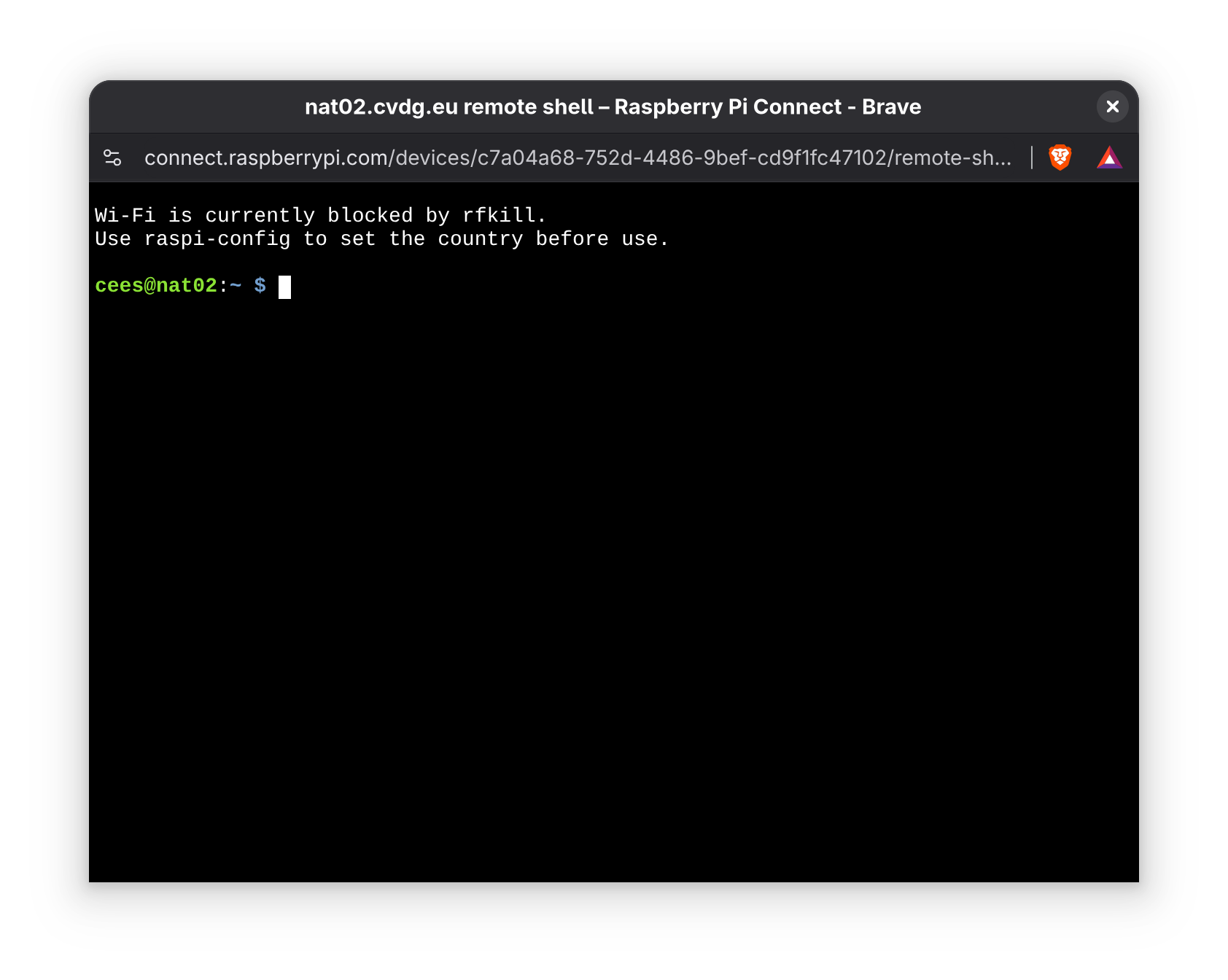
By clicking Connect on the Raspberry PI Connect website, a popup window opens.
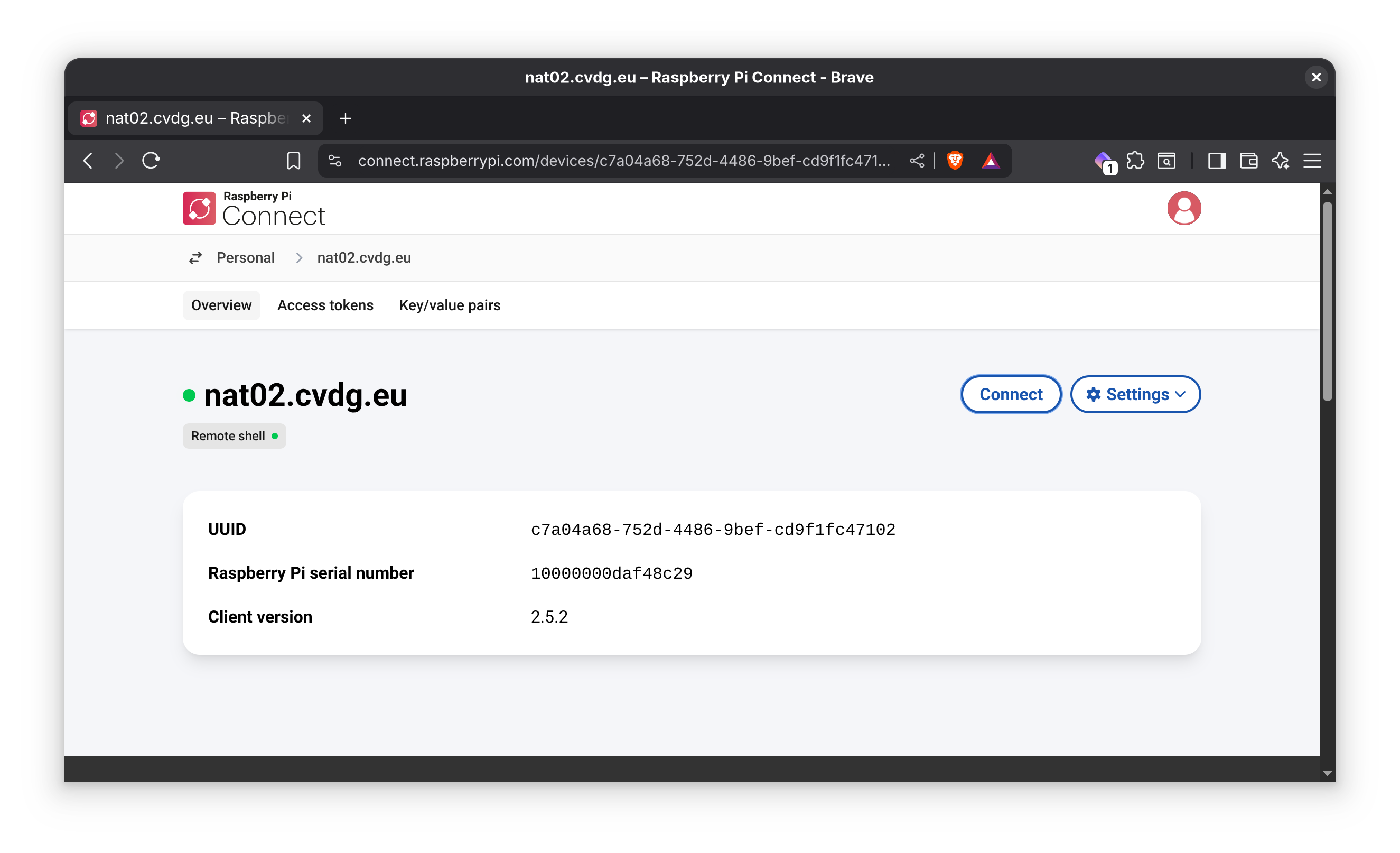
I now have an remote shell connection through a firewall.
BTW: there is also a graphical desktop version rpi-connect, but a terminal
is perfect for my use case.